Thank you for attending a CE event with us! You may be wondering, How do I claim my CE Certificates?
If you have never used CalDentalEd.com before:
- Go to CalDentalEd.com
- In the upper-right corner, select “Sign-in”
- Select “Forgot Password”
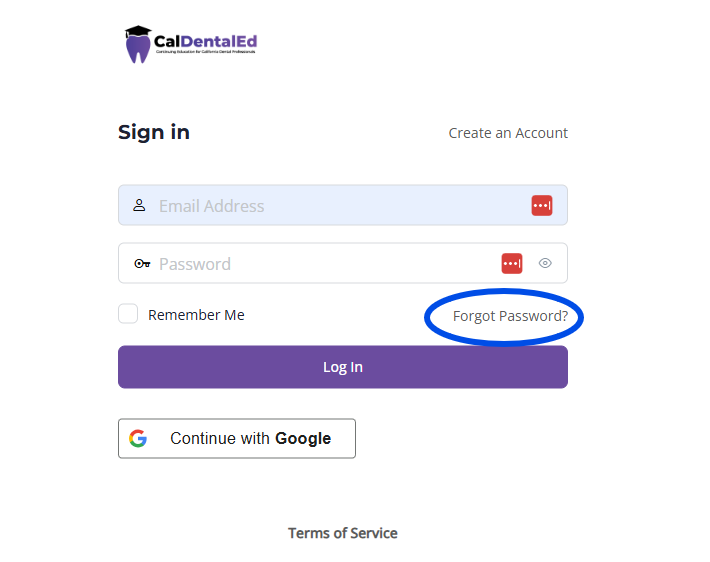
- Enter the email address you used to register for the CE event. Important: You must use the same email address used when registering for your event.
- Click “Request Reset Link”
- Using the link sent to your email, set a new password for your account. Then proceed to the steps below.
If you have used CalDentalEd.com for a previous event:
- Go to CalDentalEd.com
- In the upper-right corner, select “Sign-in”
- For the username, enter the email address you used to register for the CE event. Important: You must use the same email address used when registering for your event.
- For the password, enter the password you used previously, or the one you just created using the “Forgot Password” feature.
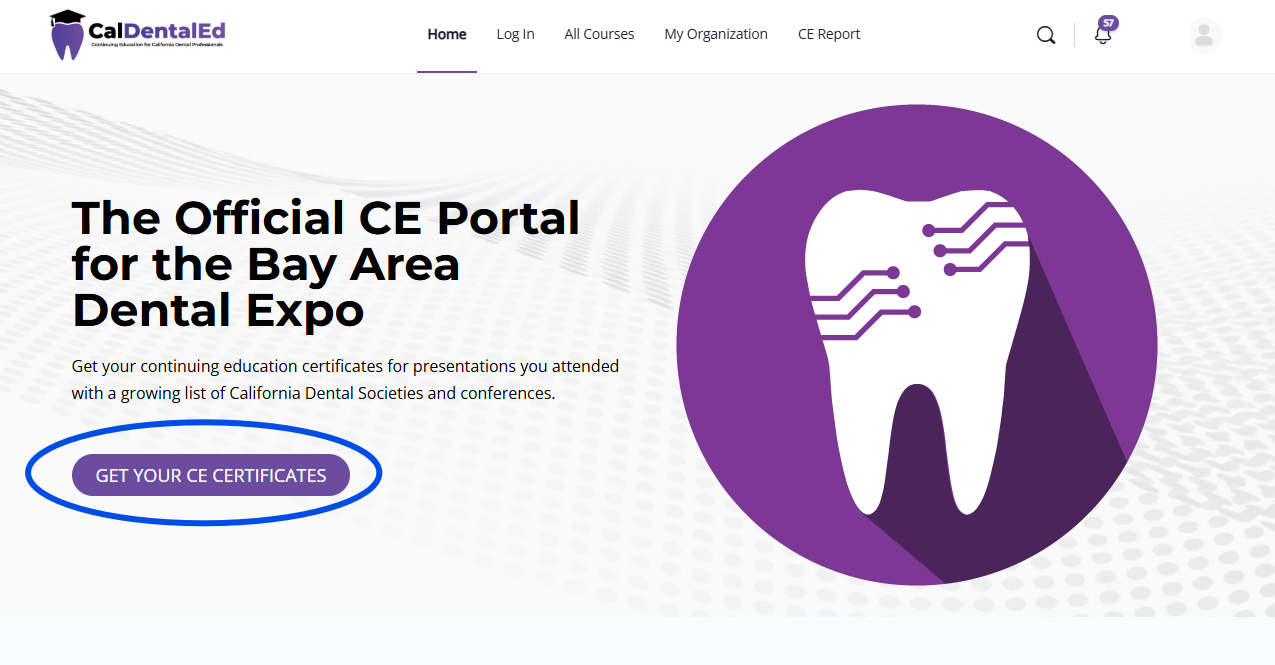
- Once logged in, select “Get Your CE Certificates” from the main page
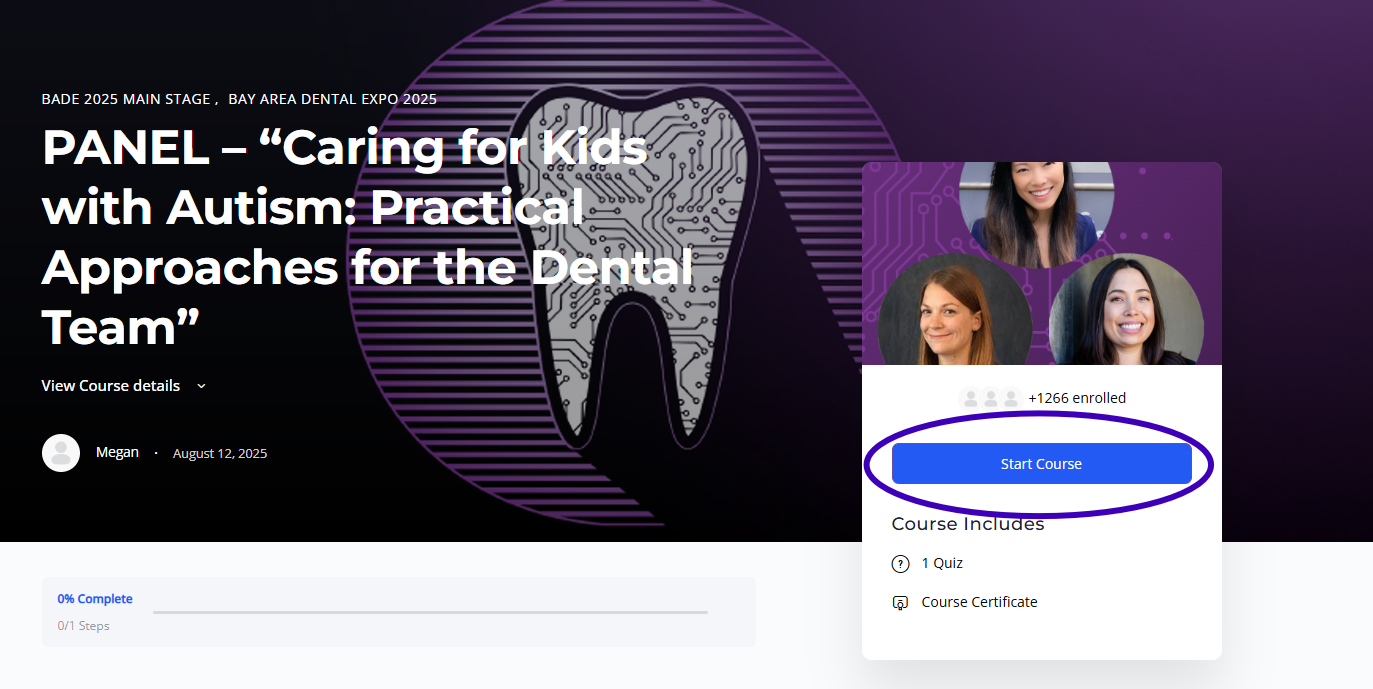
- Select the course you would like to claim credit for, and click “Start Course”
- Follow the prompts to provide your feedback and claim your credit.
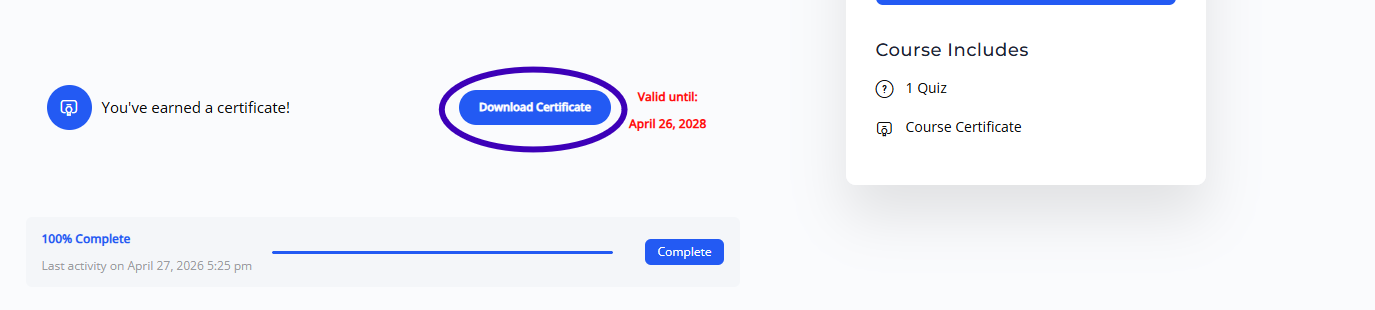
- Once complete, select “Download Certificate” from the course page.
FAQ
I used the Forgot Password feature, but my reset link never arrived.
Please be sure to check your Spam folder carefully, as reset links sometimes end up there by mistake. If you still do not see it after 5-10 minutes, reach out to info@sccds.org for further assistance.
I tried to input my email in the Sign-in or Forgot Password feature but it says email address invalid
Please double check that the email you are using matches the one used to register for the event. If you do not know what email you used to register, or you had multiple people registered under a single email, please contact info@sccds.org for further assistance.
Why does CalDentalEd.com say “Start Course” when I already attended the course?
Not to worry, if you have access to the course on CalDentalEd.com, then we already have a record of your attendance. Clicking the “Start Course” button simply allows you to fill out your feedback form and claim your CE. It does not mean you need to re-take any course materials.
I attended a course that is not listed on CalDentalEd.com
Please contact info@sccds.org with the title, time, and date of the course you attended so that we may investigate further.
My certificate says it is only valid until a certain date, after this date, will I lose access to my CE?
Certificates on CalDentalEd.com are available on your profile for 2 years from the first time they are claimed. We recommend downloading and/or printing your CE certificates as soon as they become available and storing them wherever you keep your secure records. However, we do our best to maintain attendance records for 4+ years to ensure we can assist you in retrieving your records through multiple license renewal cycles just in case.